









You just found out your data’s been stolen. Your stomach drops.
Your first thought? “How bad is this?”
Your second? “What do I do right now?”
A security breach isn’t some abstract IT problem. It’s a direct threat to your business, your clients, and your reputation. And here’s the painful truth: most businesses don’t know how to respond until it’s too late.
I’ve spent over 20 years helping businesses recover from breaches. The difference between a manageable incident and a company-ending disaster? Knowing what you’re dealing with and acting fast.
This guide breaks down the main types of security breaches you’ll actually face. I’ll show you real examples that matter to SMEs. And I’ll give you a clear response plan you can use today.
No jargon. No fearmongering. Just what you need to protect your business.
What Is a Security Breach?
A security breach happens when someone unauthorized accesses your systems or data. Simple as that.
Think of your business data like your office. A breach is when someone breaks in, steals files, or plants bugs. It doesn’t matter if they picked the lock or walked through an open door.
The result is the same: your sensitive information is compromised.
Most people think breaches only happen to big corporations. Wrong. Small and medium businesses are prime targets because they often have weaker defenses. Attackers know this.
Here’s what counts as a breach:
- Unauthorized access to customer data
- Employee records stolen or exposed
- Financial information compromised
- Intellectual property theft
- System access by malicious actors
The key word? Unauthorized.
If someone who shouldn’t have access gets it, you’ve got a breach. Whether they used sophisticated hacking techniques or tricked an employee into clicking a link doesn’t change the outcome.
Your data is out there. Your clients are at risk. And you need to act.
The Main Types of Security Breaches
Now that you understand what a breach is, you need to know what you’re up against. Not all breaches look the same.
Different attack methods require different defenses. Here are the types you’re most likely to face.
Phishing and Social Engineering Attacks
This is the number one way attackers get in. They don’t hack your firewall. They hack your people.
A phishing attack tricks someone into giving up credentials or clicking malicious links. The email looks legitimate. It appears to come from a trusted source. Your employee clicks.
And just like that, the attacker has access.
Social engineering goes beyond email. Attackers might call pretending to be IT support. They might pose as a vendor. They exploit trust.
I’ve seen businesses lose hundreds of thousands because one person clicked one link. Your technical defenses mean nothing if your team isn’t trained.
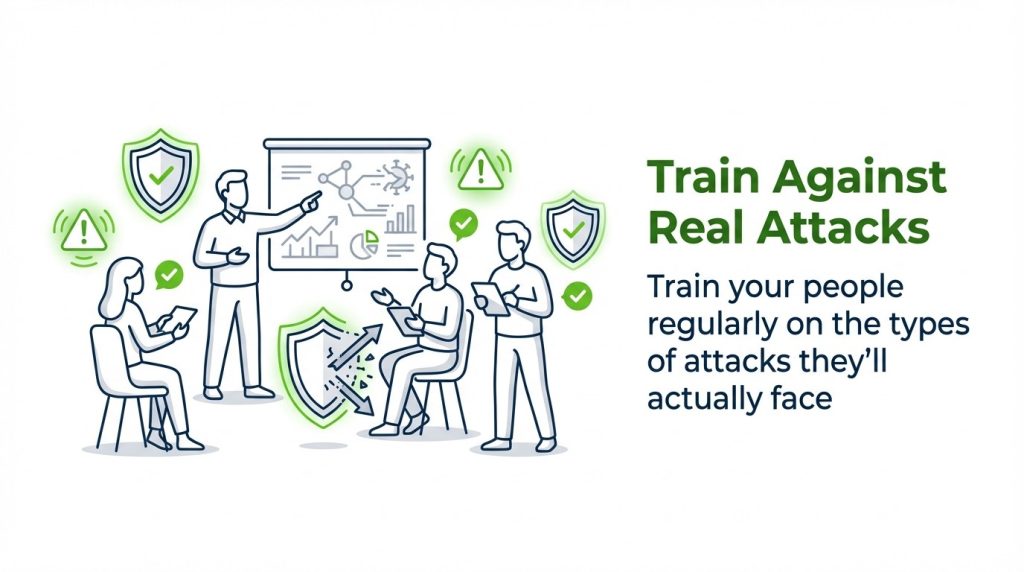
What to do: Train your people regularly on the types of attacks they’ll actually face. Make them suspicious of unexpected emails, urgent requests, and unfamiliar links.
Malware and Ransomware Infections
Malware is malicious software designed to damage systems or steal data. Ransomware is a specific type that locks your files until you pay.
Both usually get in through phishing emails or vulnerable software. Once inside, they spread fast.
Ransomware attacks have exploded in recent years. Attackers know SMEs often lack proper backups. They’re counting on you being desperate enough to pay.
Here’s the thing: paying doesn’t guarantee you’ll get your data back. And it funds more attacks.
What to do: Keep your software updated. Run regular backups that are isolated from your network. Have a plan for what to do if you’re caught in an attack.
Insider Threats
Sometimes the threat comes from inside your organization. An employee, contractor, or partner with legitimate access misuses it.
This could be intentional theft or accidental exposure. Either way, your data is compromised.
Insider threats are hard to detect because the access is authorized. The person already has the keys.
Disgruntled employees might steal client lists before leaving. Careless staff might accidentally share sensitive files. Contractors might access more than they should.
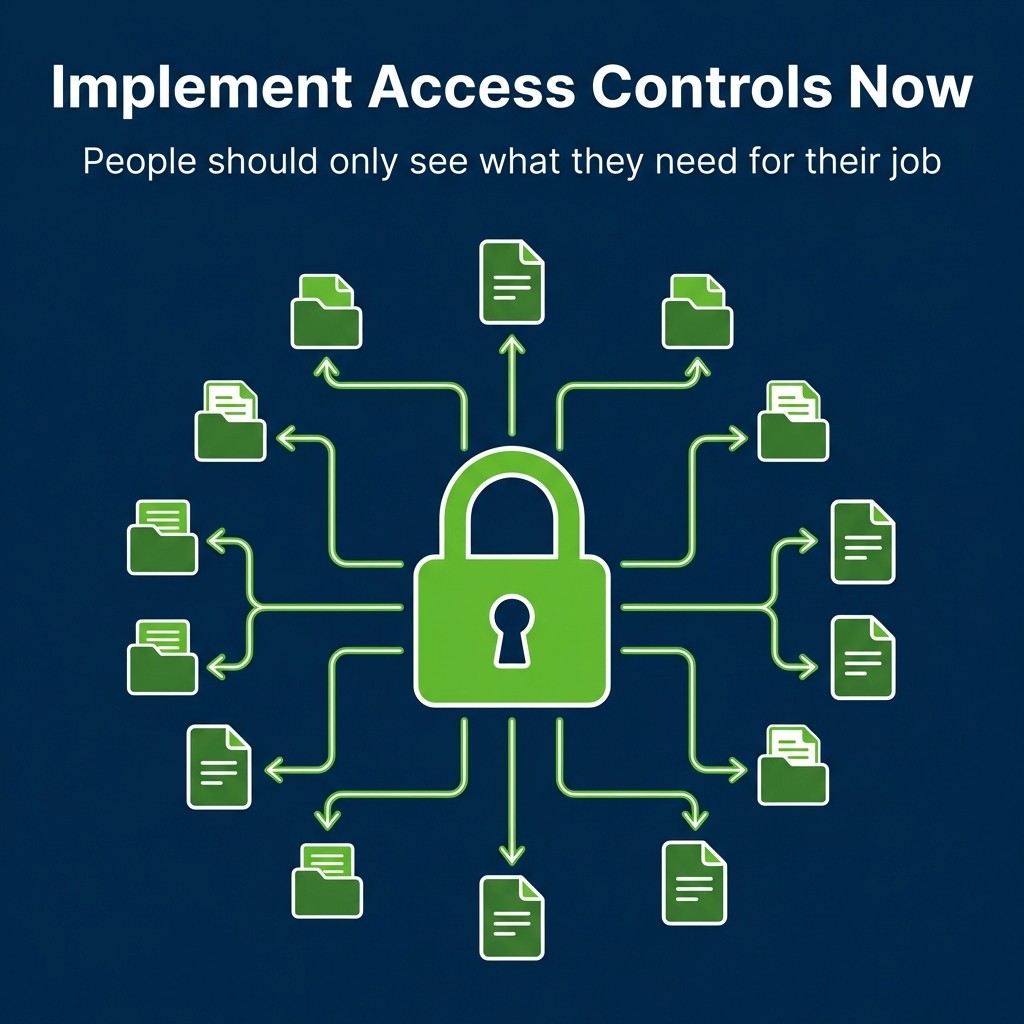
What to do: Implement access controls. People should only see what they need for their job. Monitor unusual access patterns. Remove access immediately when people leave.
Third-Party Vendor Breaches
Your security is only as strong as your weakest vendor. If a third-party partner gets breached, your data might go with it.
You trust them with access to your systems or data. If they get compromised, attackers can use that connection to reach you.
Many major breaches started through vendor access. The target company had good security. Their vendor didn’t.
What to do: Vet your vendors’ security practices before you sign contracts. Require security standards. Limit what they can access. Review their practices regularly.
Brute Force and Credential Attacks
Attackers use automated tools to guess passwords. They try thousands of combinations until something works.
Weak passwords make this easy. “Password123” won’t stop anyone.
Credential stuffing is similar. Attackers use stolen username and password combinations from other breaches. They try them on your systems, betting people reuse passwords.
And they’re usually right.
What to do: Enforce strong password policies. Require multi-factor authentication on all critical systems. Monitor for failed login attempts that might signal an attack.
Real Security Breach Examples That Matter
Understanding types is one thing. Seeing how they play out is another.
These examples show what actually happens when businesses get breached. Pay attention to the patterns.
Healthcare Sector Breaches
Medical records are valuable. Attackers can sell them on the dark web or use them for identity theft.
Healthcare organizations face constant attacks. Patient data includes everything: Social Security numbers, addresses, medical histories, insurance information.
One breach exposed millions of patient records because an employee fell for a phishing email. The attacker gained access to the system and stayed there for months, quietly collecting data.
By the time anyone noticed, the damage was done.
The organization faced massive fines, lawsuits, and reputational damage. Some patients’ identities were stolen. Trust was shattered.
Financial Services Attacks
Banks and financial firms are obvious targets. They hold money and financial data.
But smaller financial advisors and accounting firms get hit too. Attackers know these businesses often have client financial information without enterprise-level security.
In one case, attackers used stolen credentials to access a financial advisor’s client database. They had full names, account numbers, and investment details.
Clients started receiving sophisticated phishing emails that referenced their actual accounts. Some lost money. The advisor’s reputation never recovered.
You can learn more about the true cost of recovering from these incidents before they happen to you.
Retail and E-Commerce Compromises
Online stores process credit cards. That makes them targets.
Point-of-sale malware sits quietly on payment systems, capturing card data as customers check out. Customers don’t know. The business doesn’t know.
Until the card fraud starts rolling in.
One small retailer discovered their payment system had been compromised for six months. Thousands of customer cards were stolen. The fines from card companies alone nearly put them out of business.
Professional Services Firms
Law firms, consultancies, and recruitment agencies hold valuable information. Client strategies, legal documents, candidate data.
A law firm was hit with ransomware that encrypted all client files. No backups. No way to access critical case documents.
They paid the ransom. Got some files back. Lost others forever. Missed court deadlines. Faced malpractice claims.
All because they didn’t have proper backups isolated from their network.
Warning Signs You Might Already Be Breached
Most breaches aren’t discovered immediately. Attackers stay hidden, collecting data quietly.
Knowing the warning signs helps you catch breaches faster. Time matters.
Unusual System Activity
Systems slowing down for no reason? Files moving or changing unexpectedly?
These could be signs of malware or unauthorized access. Attackers often leave traces.
Pay attention to: programs running that shouldn’t be, network traffic spikes at odd hours, or system crashes without explanation.
Unexpected Account Behavior
Failed login attempts are normal. Hundreds of failed logins from foreign countries? That’s a problem.
Watch for: accounts accessing systems they normally don’t use, logins from unusual locations, or password reset requests nobody made.
Your monitoring tools should flag these patterns. If you don’t have monitoring tools, you need them.
Consider using detection tools that catch breaches early before major damage occurs.
Customer Complaints About Unauthorized Activity
If customers report strange charges or account access they didn’t make, investigate immediately.
Don’t dismiss these as isolated incidents. One complaint might mean hundreds of unreported cases.
Your customers are your early warning system. Listen to them.
Ransomware Demands
Sometimes you find out about a breach when attackers announce it. Ransomware notes appear on screens. Files are encrypted.
By this point, you’re already deep in crisis mode. But knowing what to do next is critical.
Never pay without consulting experts. Often, paying doesn’t work. And you need to understand what was taken, not just what was encrypted.
How to Respond to a Security Breach
You’ve discovered a breach. What now?
Your response in the first 24 hours determines everything. Move fast, but move smart.
Immediate Containment Actions
First: stop the bleeding. Contain the breach before it spreads.
Disconnect compromised systems from your network. Change passwords on all critical accounts. Disable remote access until you understand what happened.
Don’t delete anything yet. You need evidence for investigation and potentially for law enforcement.
Document everything you do. Timestamps matter. Actions matter. You’ll need this for compliance reports.
Assess the Scope and Impact
Figure out what was accessed or stolen. This drives everything else.
Check: system logs, access records, file modification dates, and network traffic patterns.
What data was compromised? Customer information? Employee records? Financial data? Intellectual property?
The type of data determines your legal obligations. Some breaches require immediate notification. Others give you more time.
Activate Your Response Team
You need people with specific roles:
- IT security to handle technical response
- Legal counsel for compliance and liability
- Communications lead for customer notification
- Management for strategic decisions
- External experts if you lack internal capabilities
Don’t try to handle this alone. Breaches are complex. Mistakes are costly.
Notify Affected Parties
You have legal obligations to notify people whose data was compromised. These vary by jurisdiction and data type.
In most cases, you need to tell:
- Affected individuals
- Regulatory bodies
- Credit reporting agencies (for certain breach types)
- Law enforcement (for criminal activity)
Be honest about what happened. Tell people what data was exposed and what they should do.
Your notification should include: what happened, what data was involved, what you’re doing about it, and what they should do to protect themselves.
Remediate Vulnerabilities
Once contained, fix what allowed the breach. Patch vulnerable software. Close security gaps. Strengthen access controls.
If phishing was the entry point, train your staff. If weak passwords were the issue, enforce stronger policies and multi-factor authentication.
Address the root cause, not just the symptoms.
Review and Improve Your Security Posture
After the crisis passes, conduct a thorough review. What worked? What didn’t? What would you do differently?
Update your incident response plan based on what you learned. Test it regularly so you’re ready next time.
Because there will be a next time. The question is whether you’ll be prepared.
Consider conducting regular risk assessments to identify vulnerabilities before attackers do.
Prevention Strategies That Actually Work
Response matters. But prevention is better.
These strategies reduce your breach risk significantly. They’re not theoretical. They’re practical steps you can take now.
Implement Multi-Factor Authentication Everywhere
Passwords alone aren’t enough. Multi-factor authentication (MFA) adds a second verification step.
Even if attackers steal passwords, they can’t get in without the second factor. This stops most credential-based attacks cold.
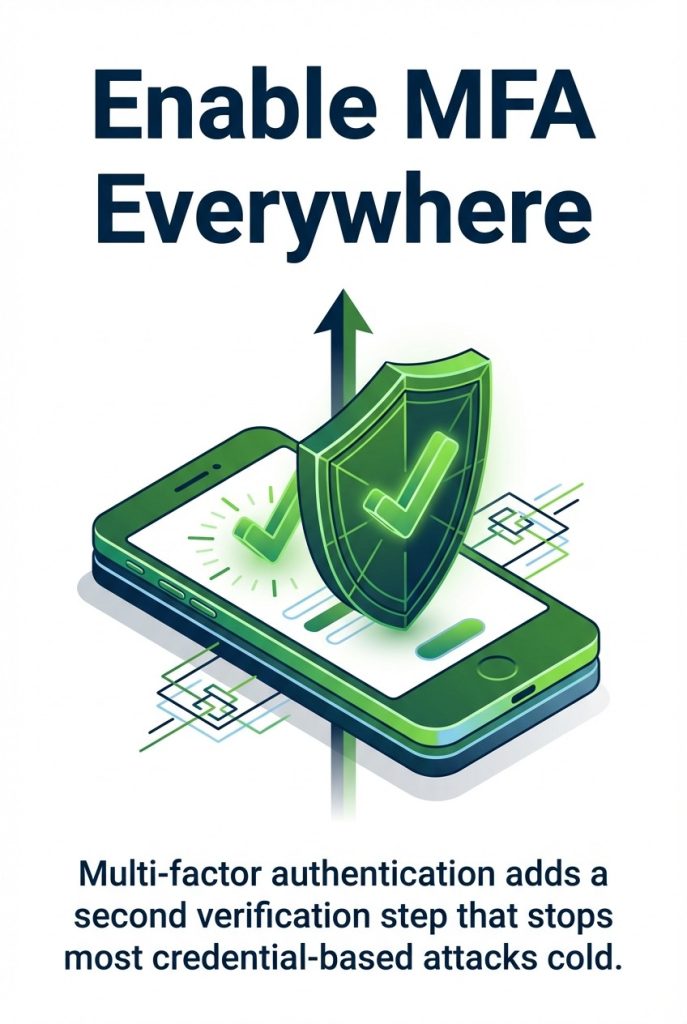
Enable MFA on: email accounts, financial systems, customer databases, administrative access, and cloud services.
Yes, it’s slightly less convenient. That inconvenience prevents breaches.
Keep Everything Updated and Patched
Unpatched software is an open door. Vendors release security updates for a reason.
Create a patch management process. Test critical updates quickly. Deploy them fast.
This includes: operating systems, applications, plugins, firmware, and security tools.
Attackers scan for unpatched systems. Don’t make it easy for them.
Train Your Team Continuously
Your people are your first line of defense. Or your weakest link.
Regular security training isn’t optional. Make it practical, not just compliance theater.
Cover: how to spot phishing, how to handle sensitive data, how to report suspicious activity, and what to do if they make a mistake.
Create a culture where reporting potential security issues is encouraged, not punished.
Maintain Secure, Isolated Backups
Backups save you when everything else fails. But they must be isolated from your network.
Ransomware encrypts network backups too. Your backups need to be offline or air-gapped.
Test your backups regularly. A backup you can’t restore is worthless.
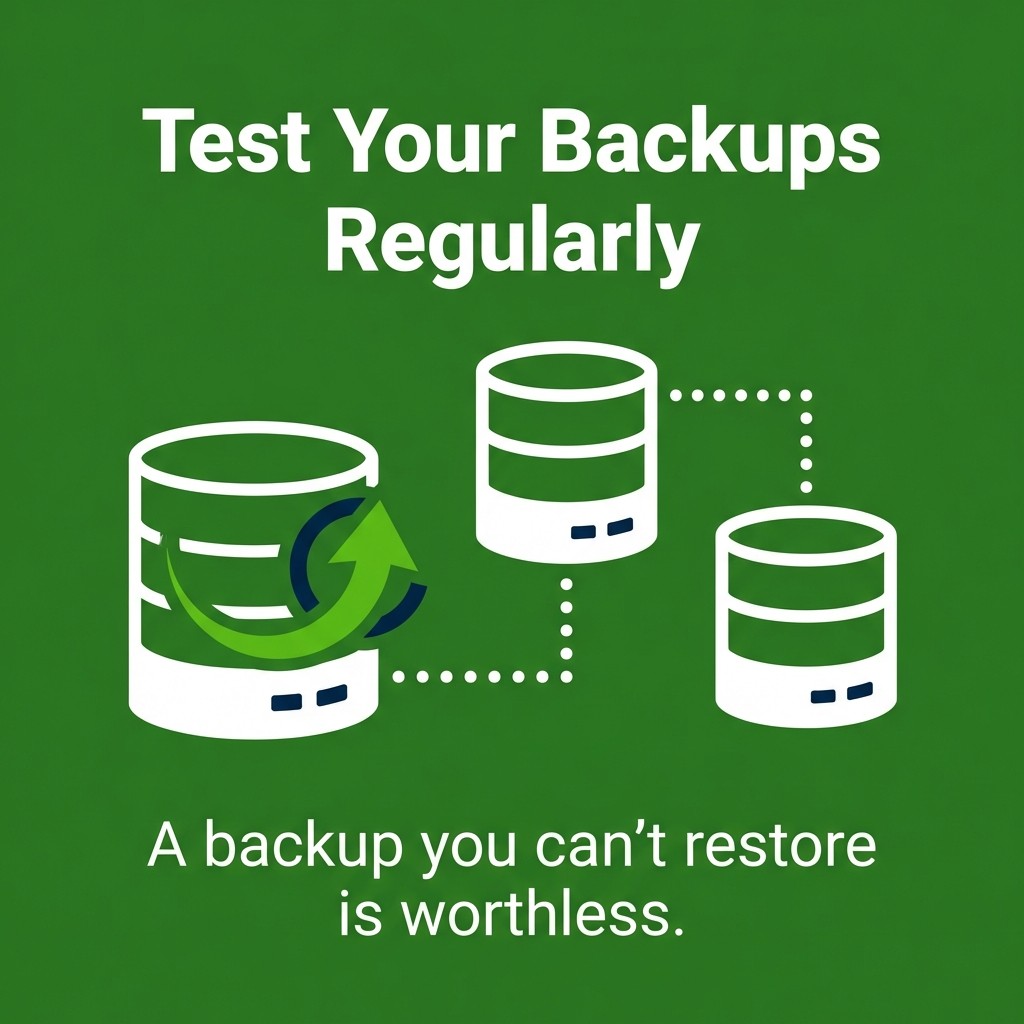
Follow the 3-2-1 rule: three copies of data, on two different media types, with one offsite.
Limit Access Based on Need
Not everyone needs access to everything. Implement least privilege access.
Give people access to only what they need for their job. Review permissions regularly. Remove access when people change roles or leave.
This limits damage from both insider threats and compromised accounts.
Monitor and Log Everything
You can’t respond to what you can’t see. Enable logging on all critical systems.
Monitor for: unusual access patterns, failed login attempts, data transfers, system changes, and privilege escalations.
Use automated tools to flag suspicious activity. Review logs regularly, not just after an incident.
Legal and Compliance Considerations
Breaches aren’t just technical problems. They’re legal ones too.
Understanding your obligations helps you avoid additional penalties on top of breach costs.
Data Protection Regulations
Different laws apply depending on what data you hold and where your customers are located.
GDPR applies if you have EU customers. It requires breach notification within 72 hours in many cases. Fines can reach millions.
CCPA covers California residents. Other states have their own laws. Healthcare data falls under HIPAA. Financial data has its own rules.
Know which laws apply to your business. Compliance isn’t optional.
Breach Notification Requirements
Most jurisdictions require you to notify affected individuals within specific timeframes. These vary.
Some require notification within 72 hours. Others give you more time. The clock starts when you discover the breach, not when it occurred.
Failure to notify properly can result in additional fines beyond the breach itself.
Documentation and Evidence Preservation
Keep detailed records of everything related to the breach. What happened, when, how you responded.
This documentation is essential for: regulatory reporting, legal defense, insurance claims, and process improvement.
Don’t destroy evidence. Even if you think something isn’t relevant, preserve it.
Building Long-Term Resilience
Security isn’t a one-time project. It’s an ongoing process.
Breaches will keep coming. Your defenses need to keep improving.
Develop and Test Incident Response Plans
Having a plan on paper isn’t enough. You need to practice it.
Run tabletop exercises. Simulate breach scenarios. See how your team responds under pressure.
Identify gaps in your plan. Fix them before you’re in a real crisis.
Your plan should cover: who does what, how to communicate, what systems to check, and who makes decisions.
Conduct Regular Security Assessments
Your security posture changes as your business grows. New systems, new people, new risks.
Regular assessments identify vulnerabilities before attackers do. Test your defenses. Find the weak spots.
This includes: penetration testing, vulnerability scanning, access reviews, and security audits.
Understanding proactive security measures helps you stay ahead of threats rather than constantly reacting.
Invest in Security Culture
Technology alone won’t protect you. Your culture matters.
Make security everyone’s responsibility, not just IT’s problem. Reward good security practices. Make it easy to do the right thing.
When people understand why security matters and how it protects them, they’re more likely to follow protocols.
Stay Informed About Emerging Threats
The threat landscape changes constantly. New attack methods emerge. Old ones evolve.
Stay informed about current threats relevant to your industry. Subscribe to security alerts. Follow reputable security sources.
You can track current cybersecurity threats to understand what’s actively targeting businesses like yours.
Adjust your defenses based on real threats, not hypothetical ones.

Your Next Steps Start Now
Security breaches aren’t hypothetical. They’re happening right now to businesses just like yours.
The difference between a manageable incident and a business-ending disaster? Preparation.
You now understand the main breach types you’ll face. You’ve seen real examples of what happens when businesses aren’t ready. You have a clear response framework.
Here’s what to do today:
Enable multi-factor authentication on your most critical systems. It takes an hour and blocks most credential attacks.
Review your backup strategy. Are they isolated? Are they tested? If not, fix that this week.
Schedule security training for your team. Not someday. This month.
Your biggest vulnerability isn’t your firewall or your software. It’s waiting until after a breach to take action.
What’s your biggest security concern right now? That’s where you start.

